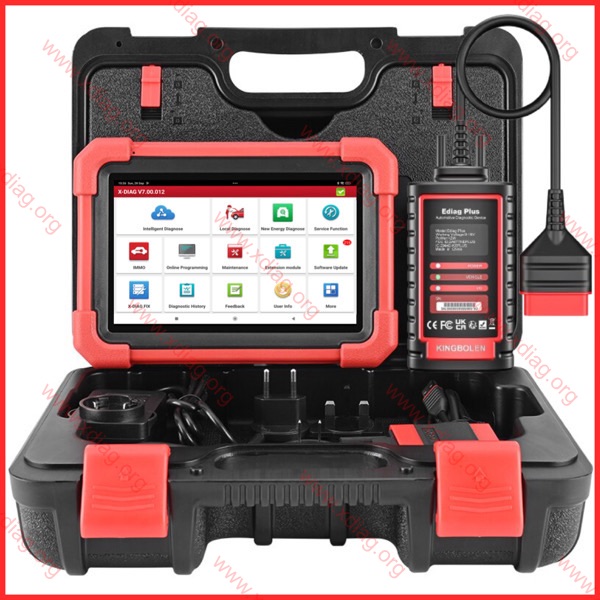
X-DIAG all in one car diagnostics
Verify your serial number
Input your OBD connector serial number below, click verify and a WhatsApp message
will be prefilled with instruction and your serial number that you will send to us.


Scanners for which the application is suitable







-
 Haynes Pro online 1 year subscription75.00€ – 135.00€
 -
-
 Product on saleXDIAG: 12 month licence for CARS / TRUCKS / EV / IMMOOriginal price was: 150.00€.135.00€Current price is: 135.00€.
 -
-
 Product on saleXDIAG: 24 month licence Extreme / EV / IMMO135.00€ – 265.00€

Xdiag subscriptions
Adapters
CABLES
Connectors
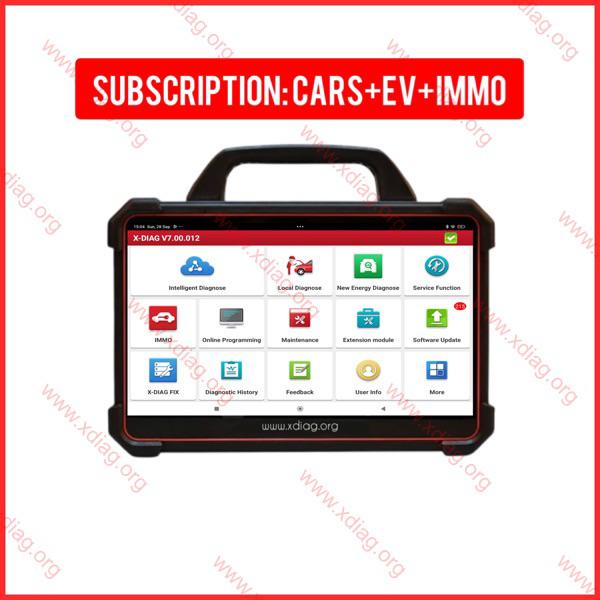
XDIAG: 12 month licence for CARS / EV / IMMO
75.00€-
XDIAG: 24 month licence Extreme / EV / IMMO
135.00€ – 265.00€ 
Haynes Pro online 1 year subscription
75.00€ – 135.00€
BOOT from X-DIAG
3.00€
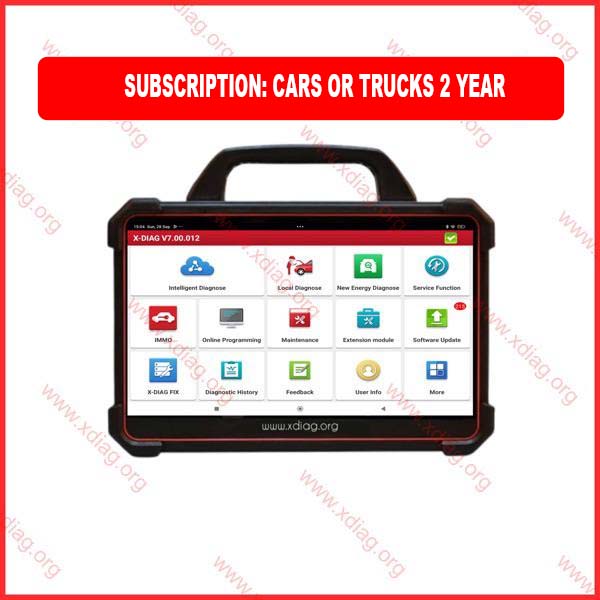
Step by step guide on how to install the XDIAG APK and properly test it
First, get the APK by clicking the link on the right and install it.
Click on the button below to download your xdiag APK (only available on android)
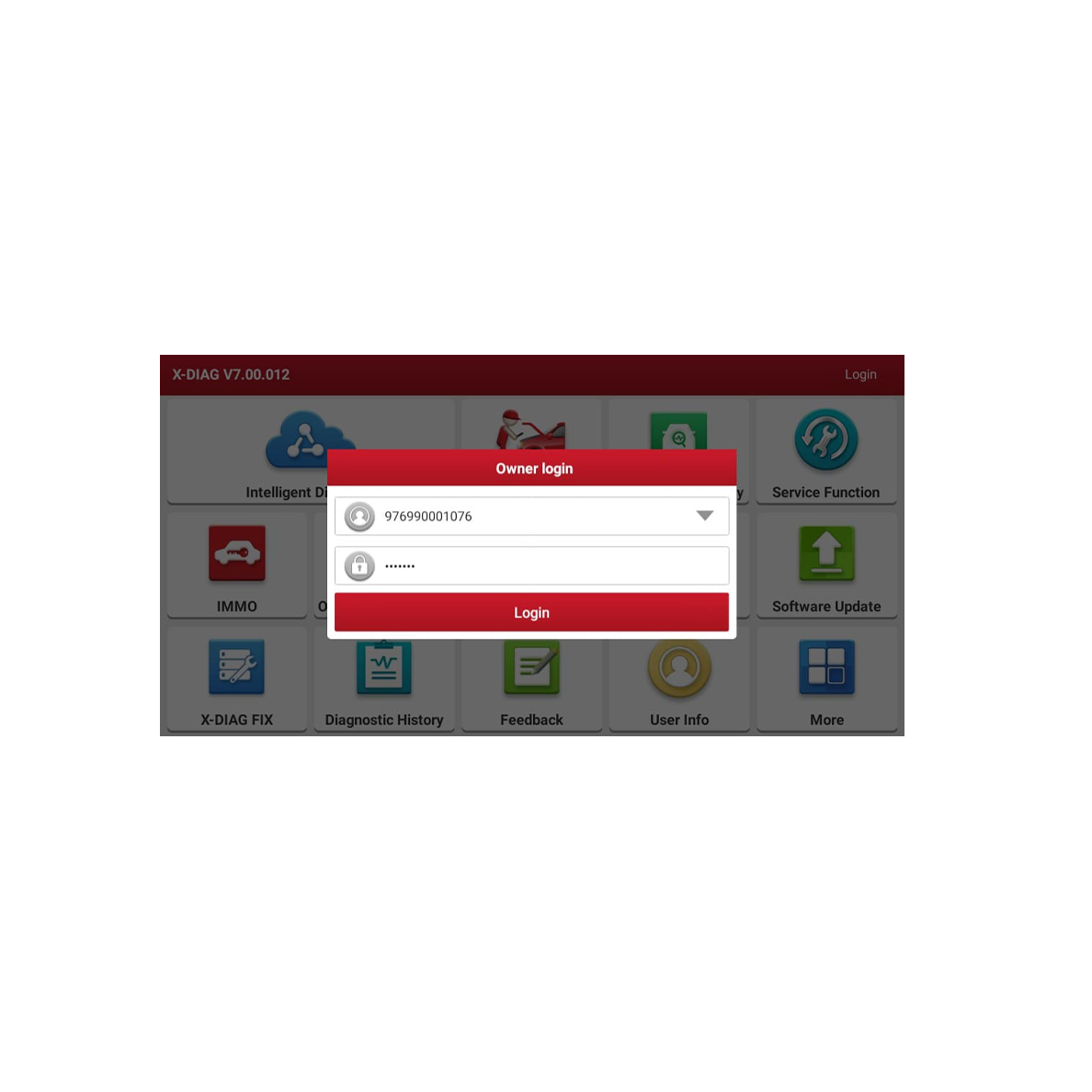
⬇ Download APKUse the username and password we’ve given you to sign in. Then, hit “update software.”
Check the images below for detailed instructions, after you have done exactly that continue to step 3.
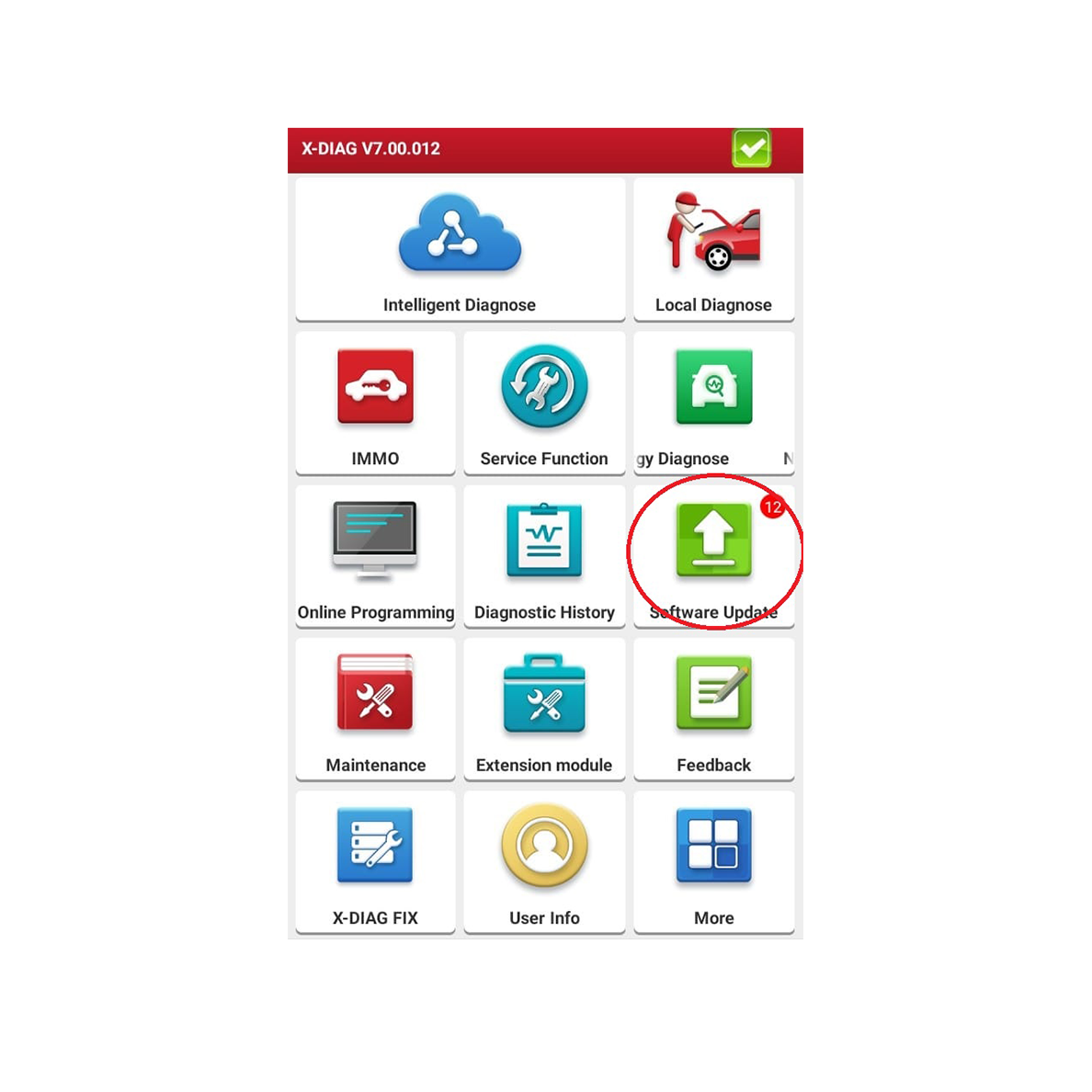
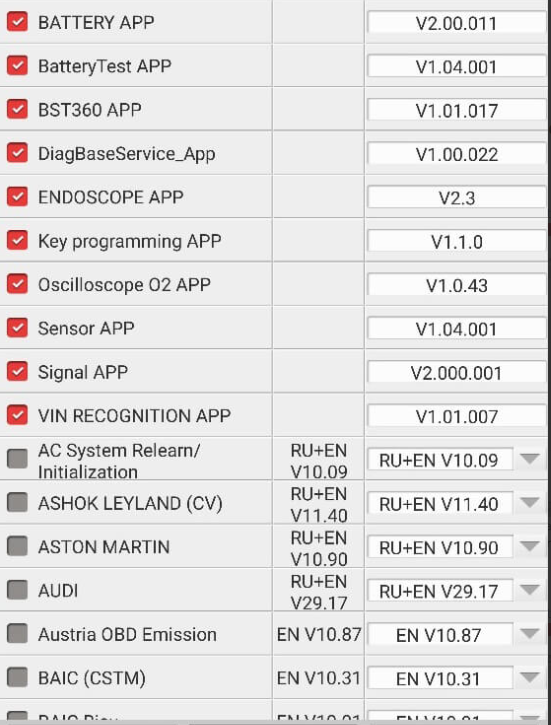
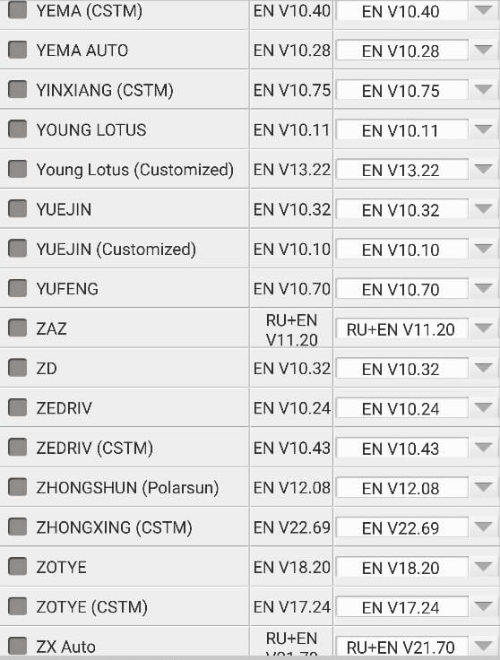
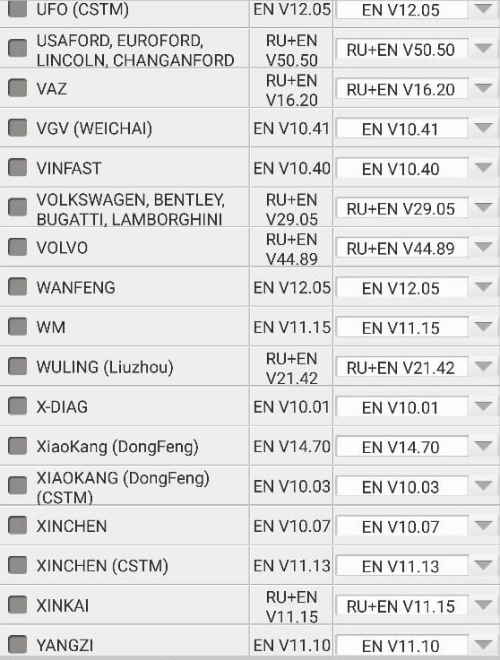
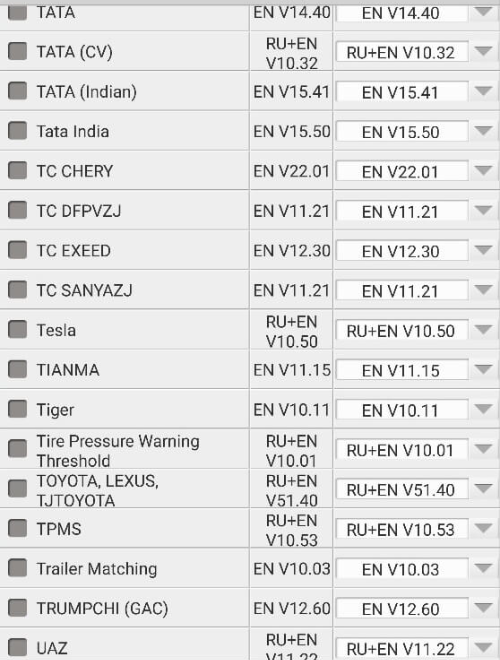
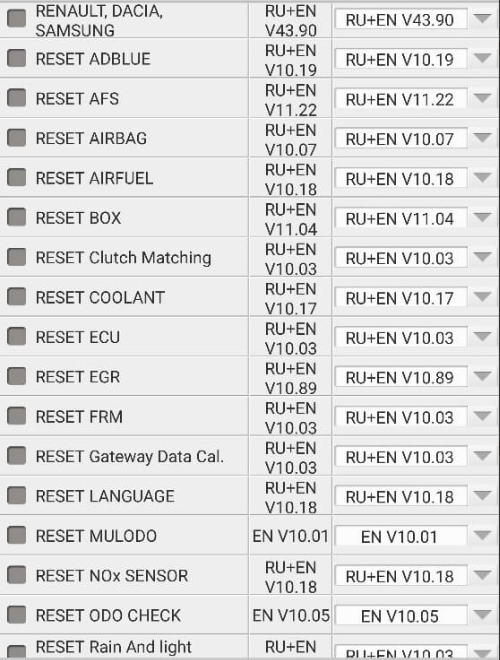
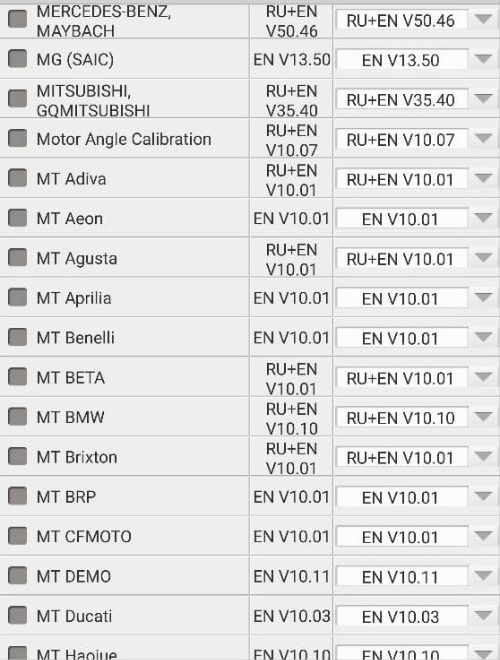
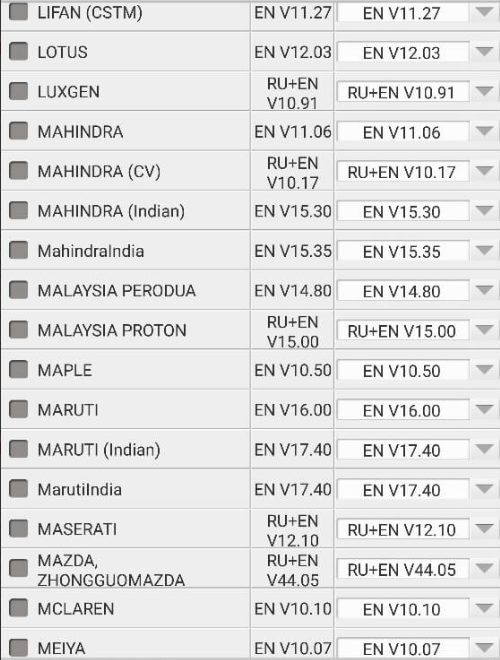
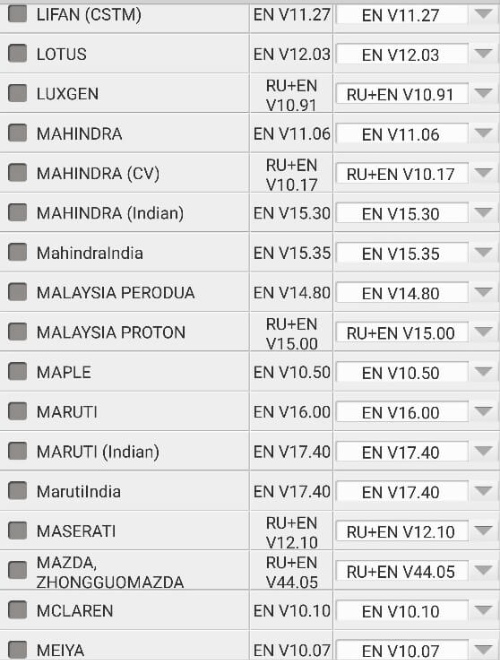
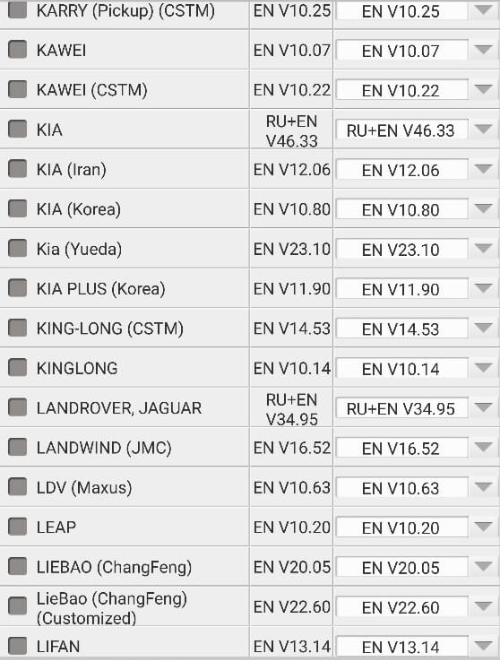
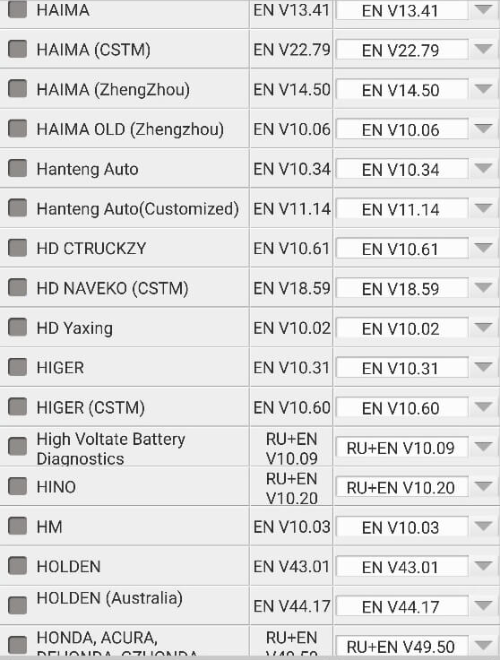
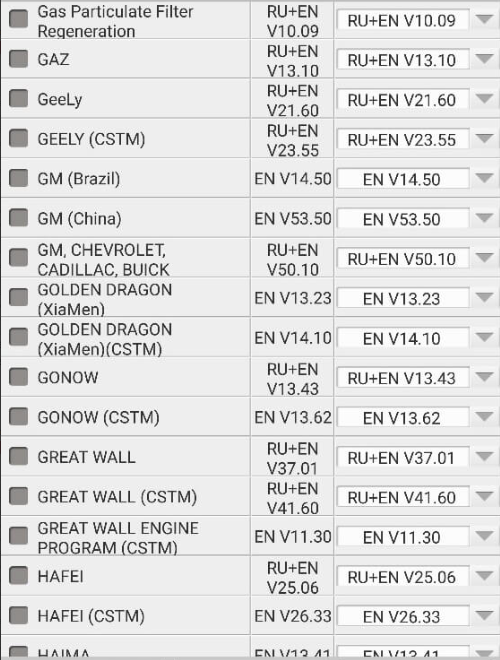
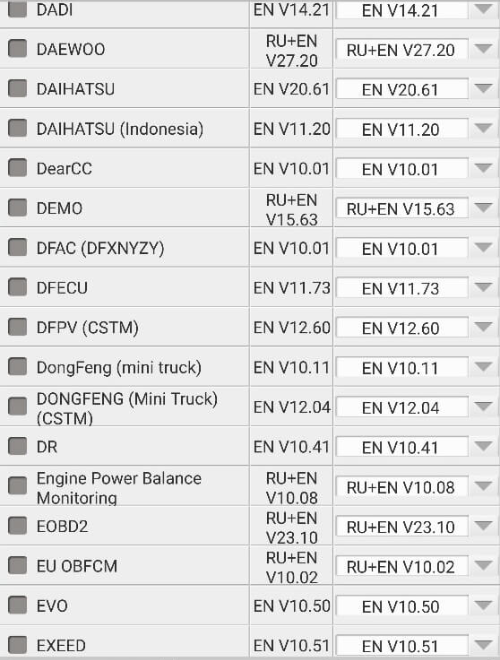
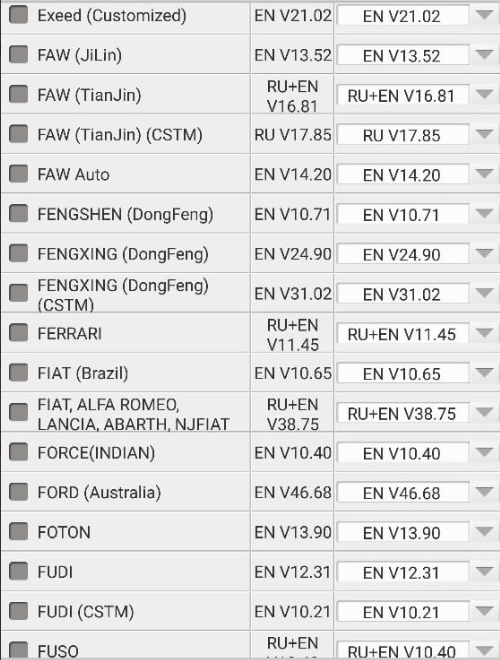
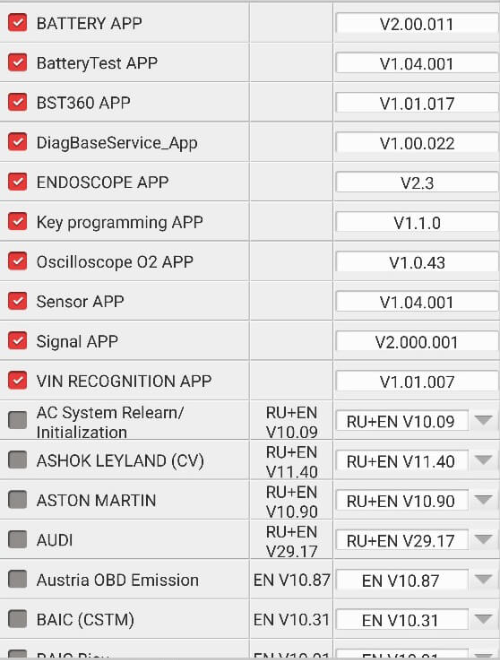
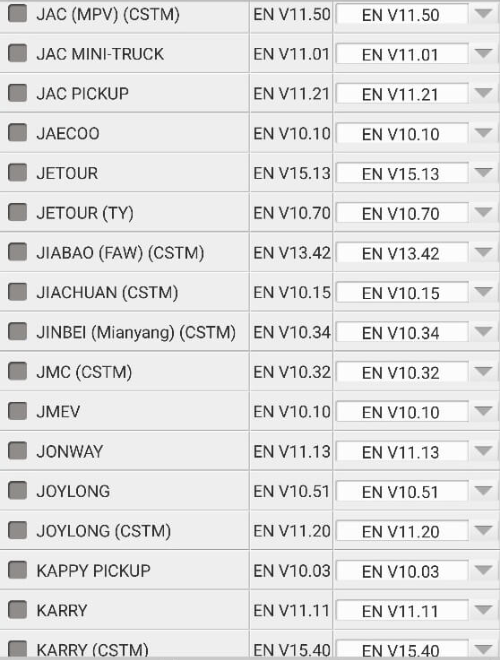
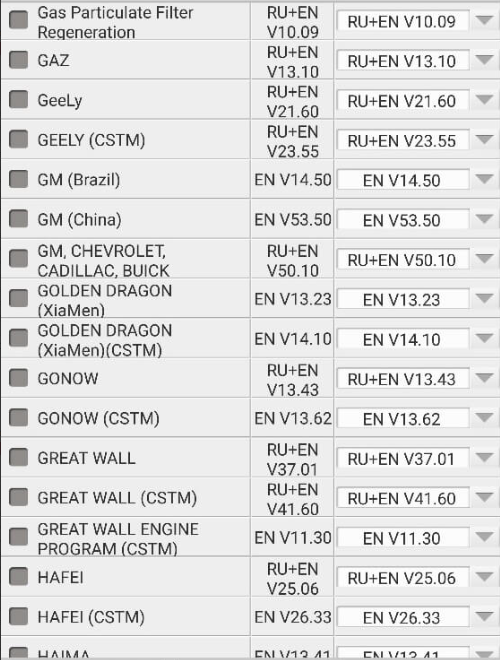
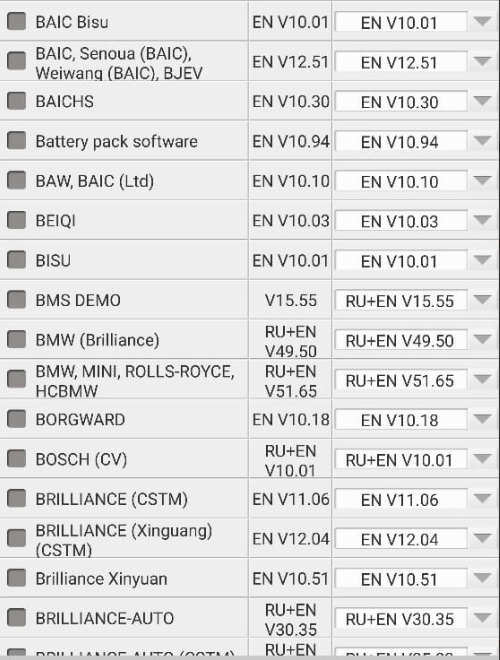
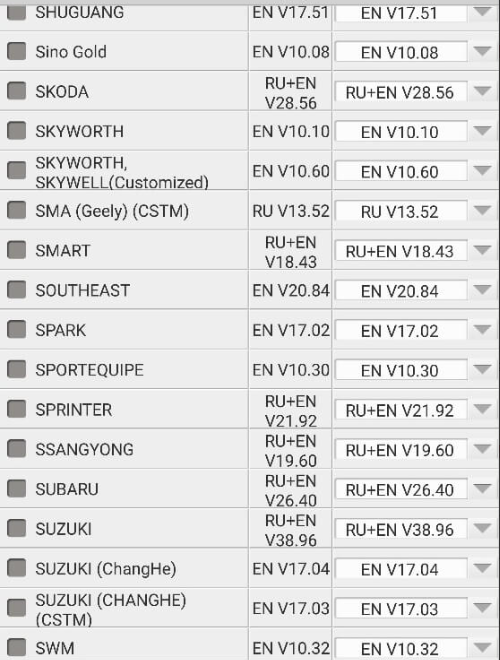
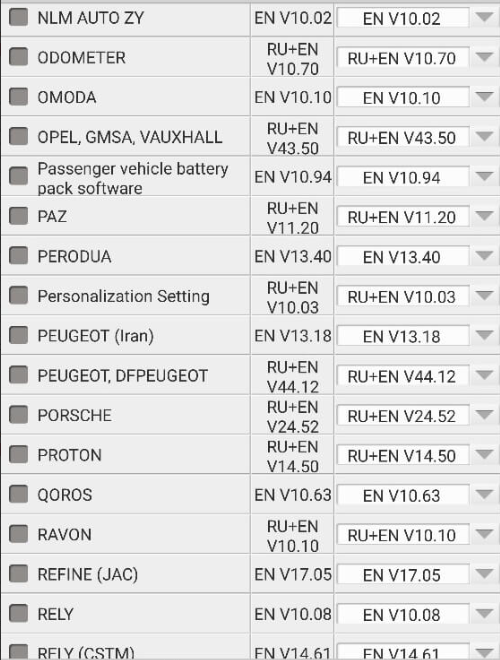
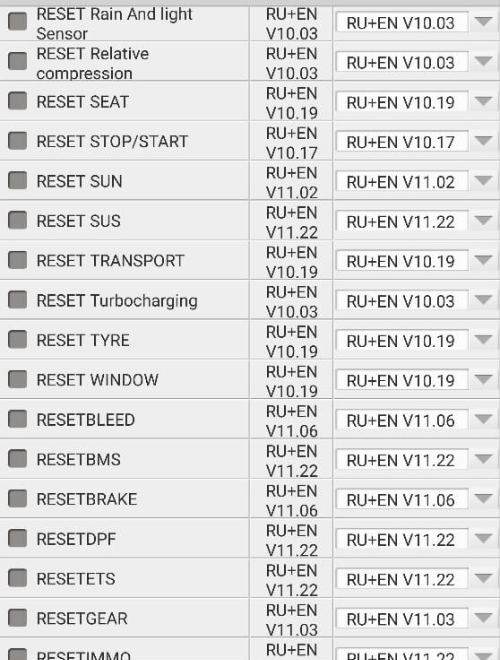
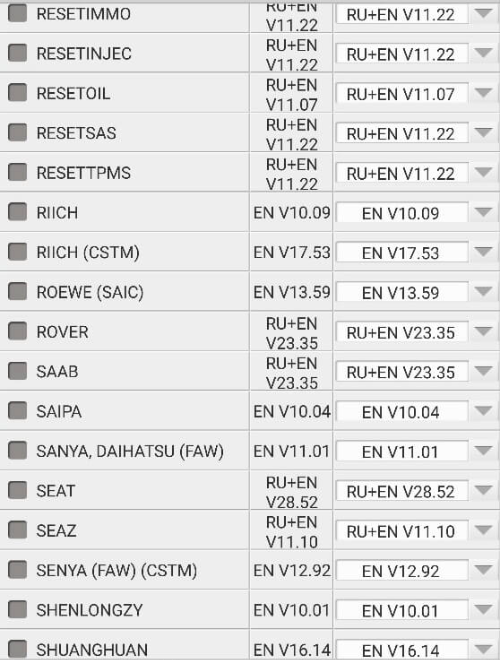
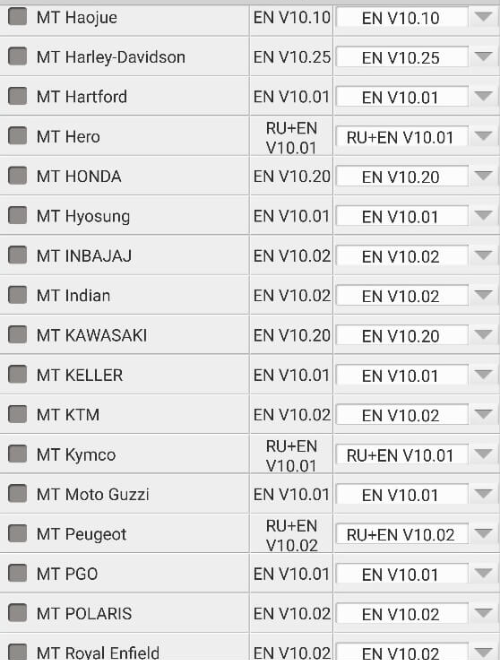
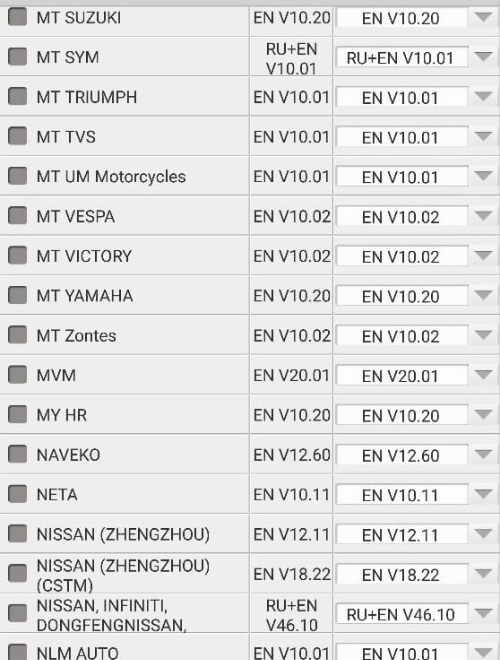
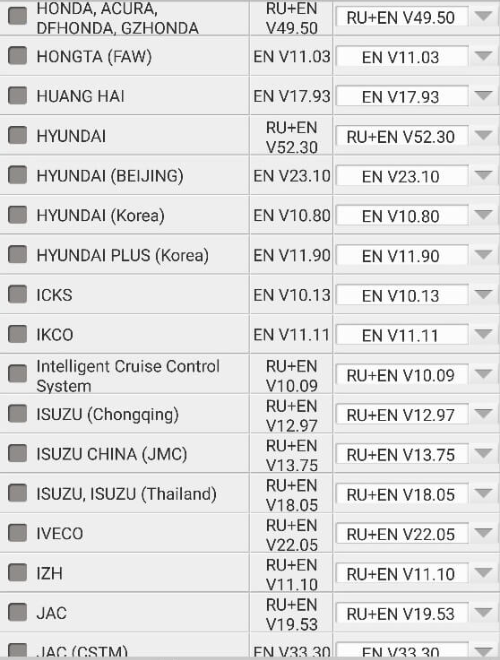
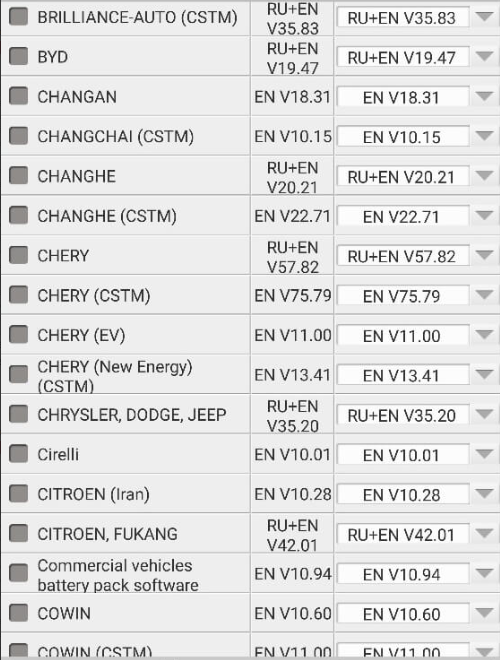
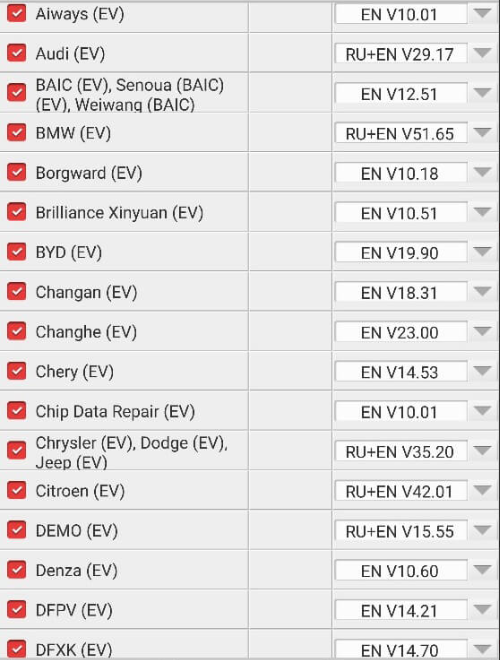
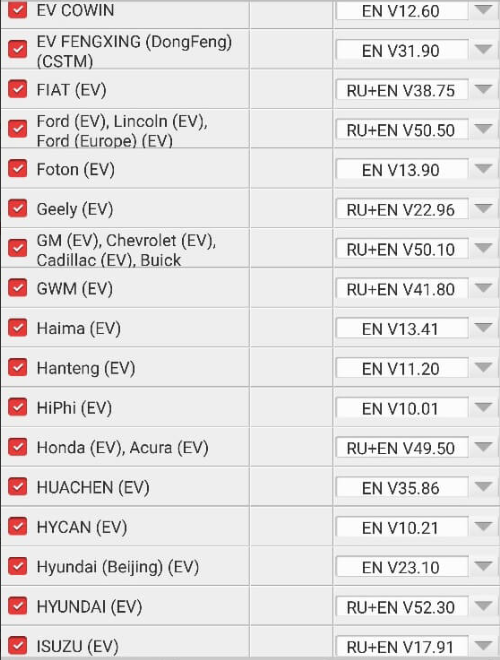
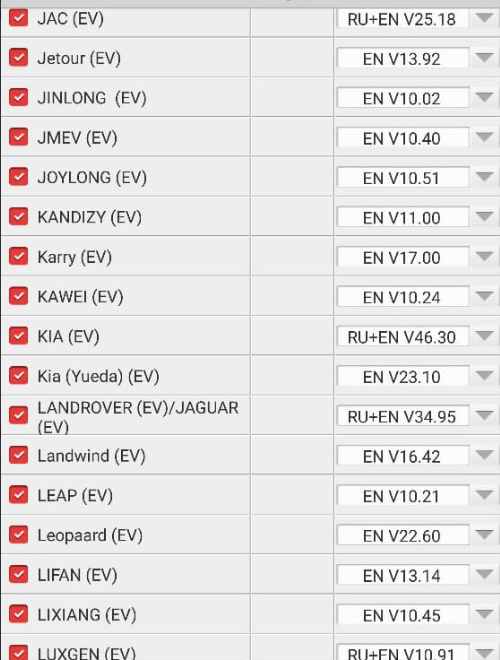
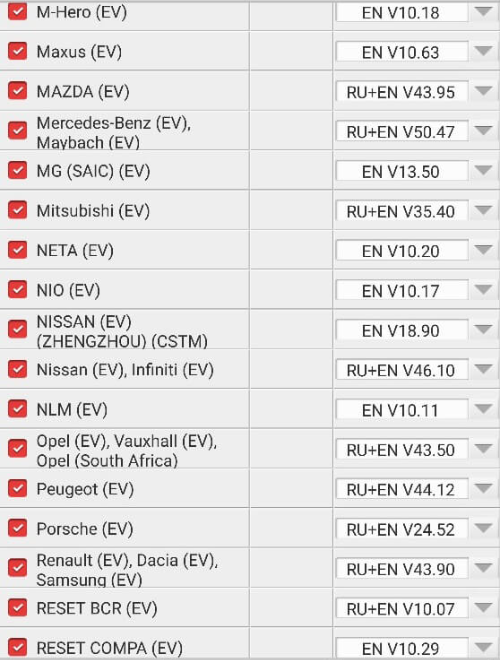
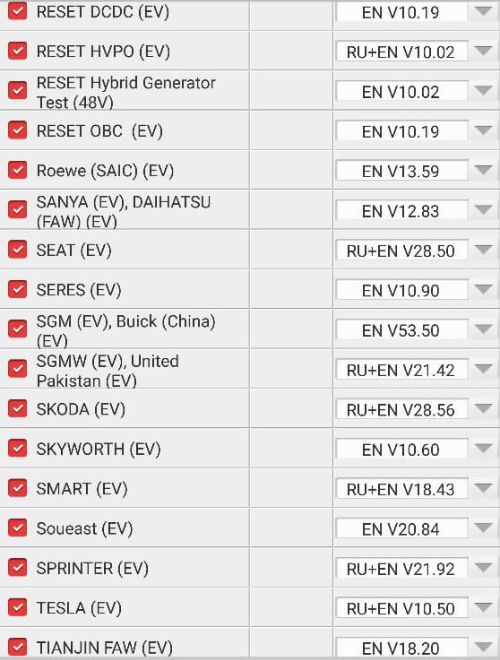
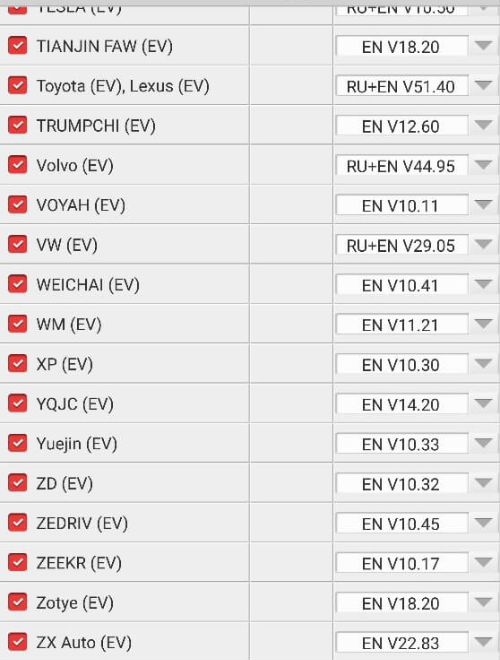
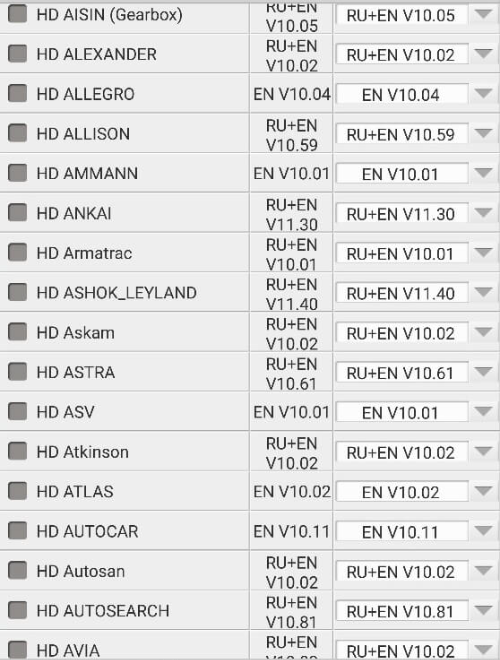
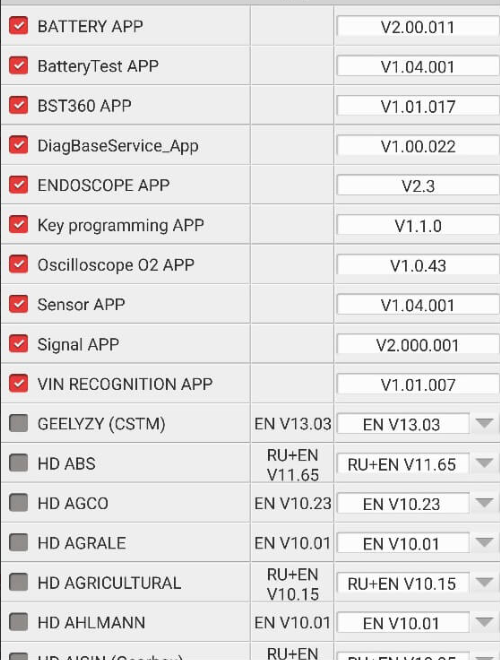
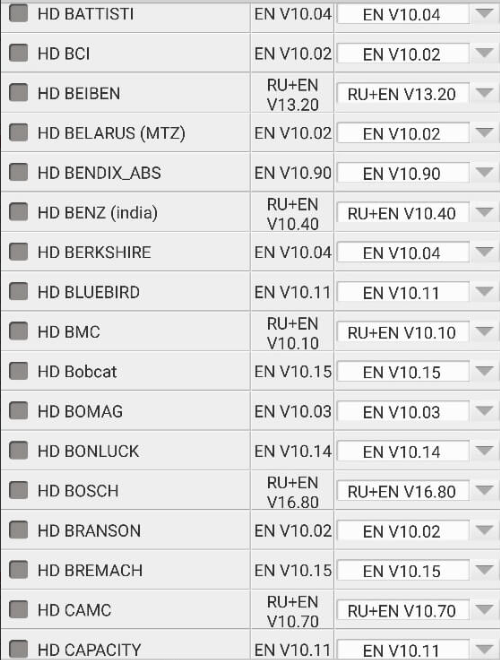
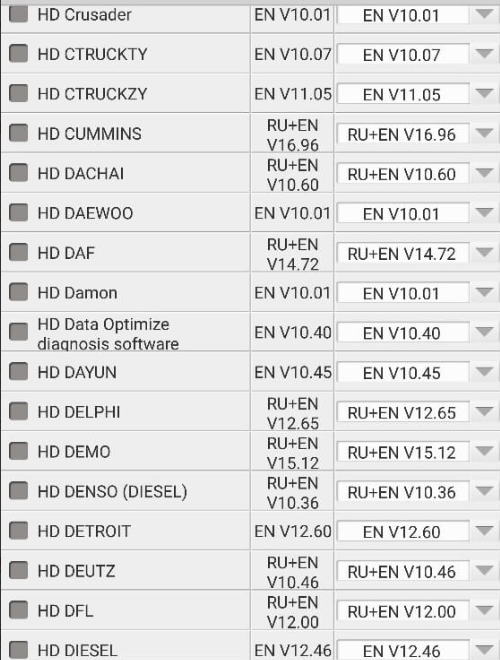
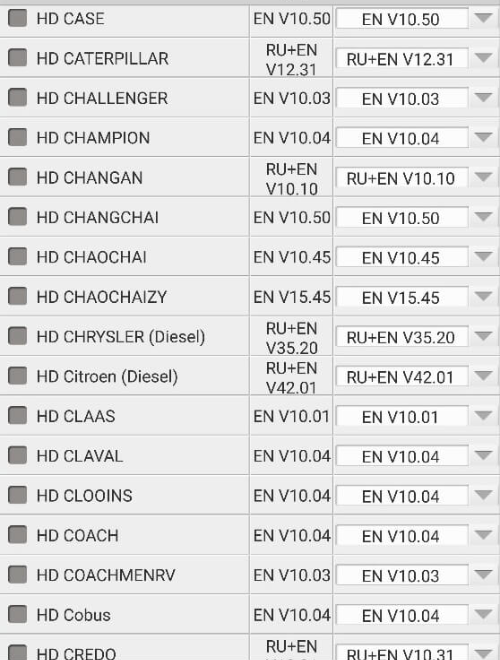
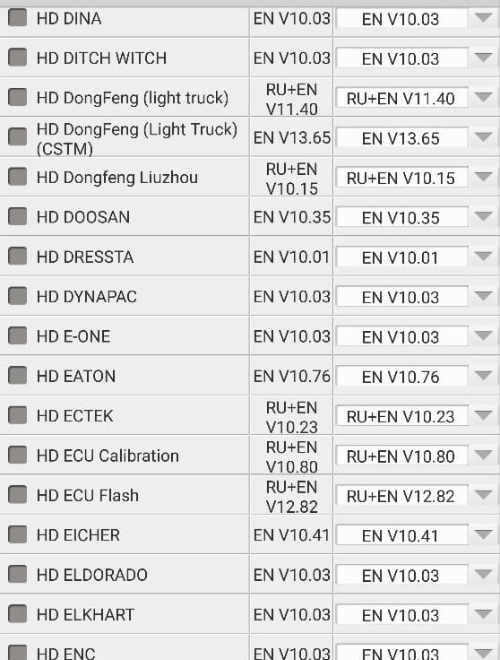
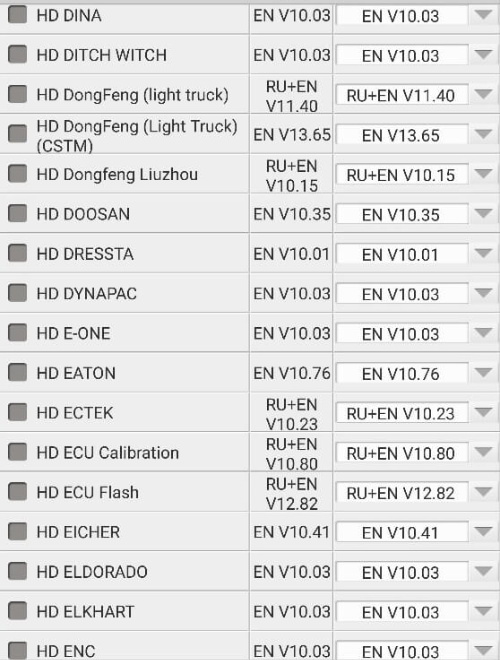
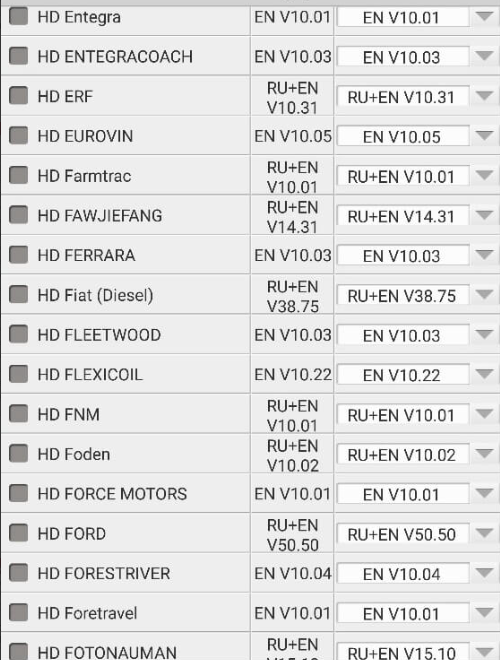
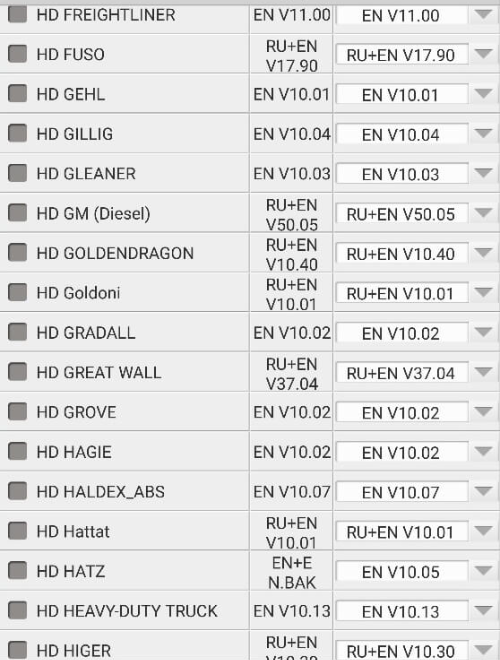
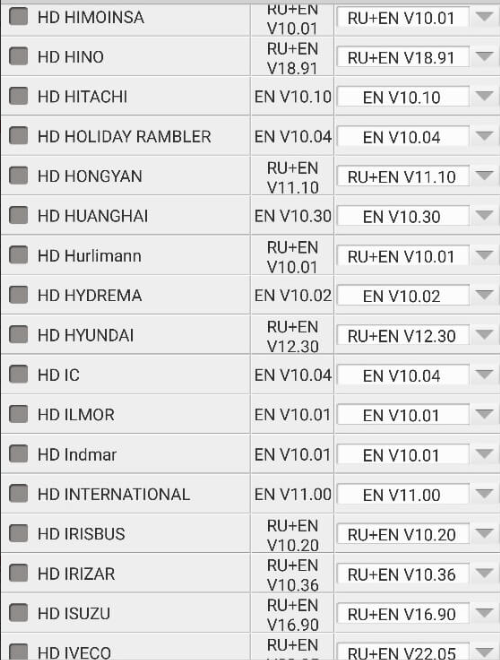
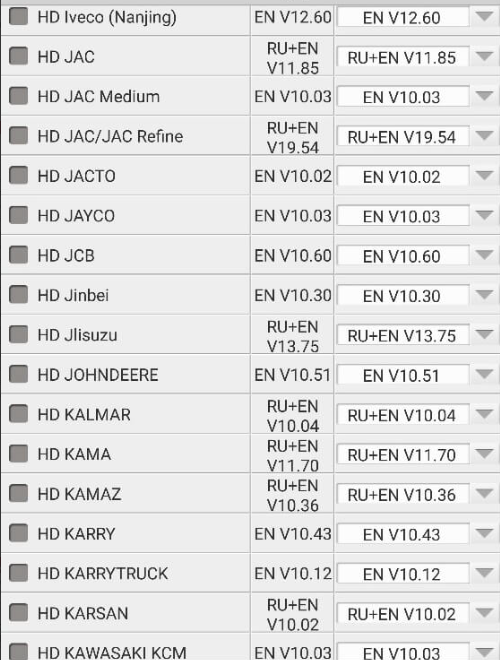
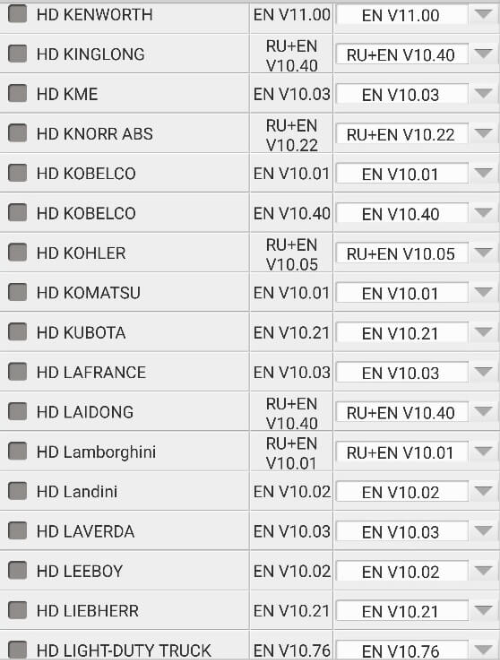
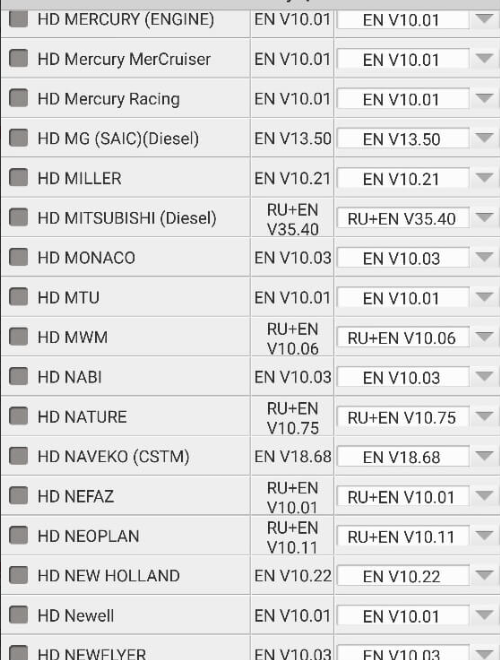
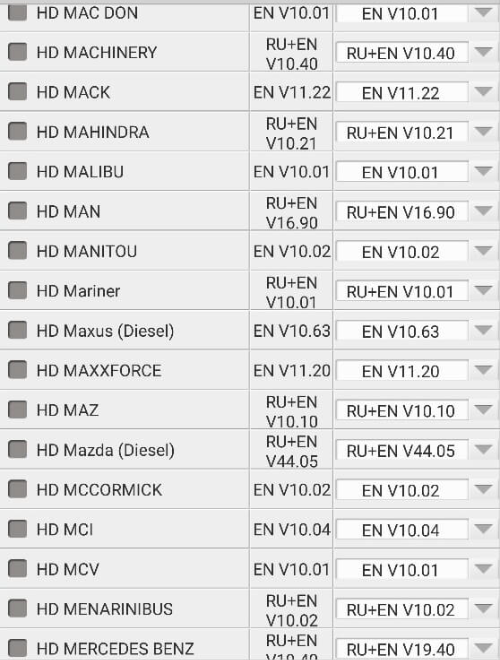
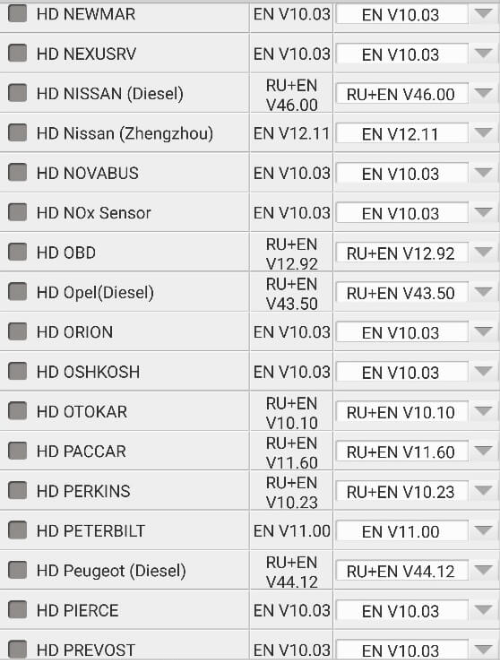
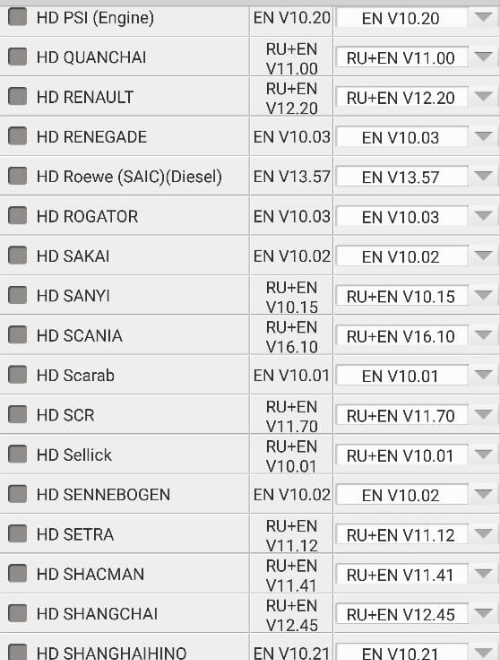
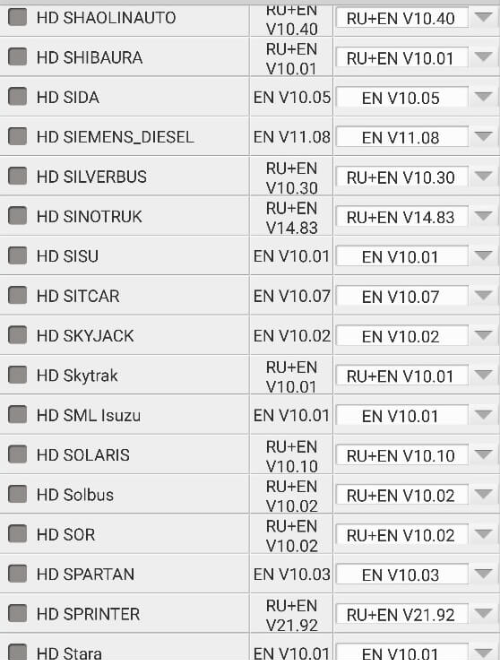
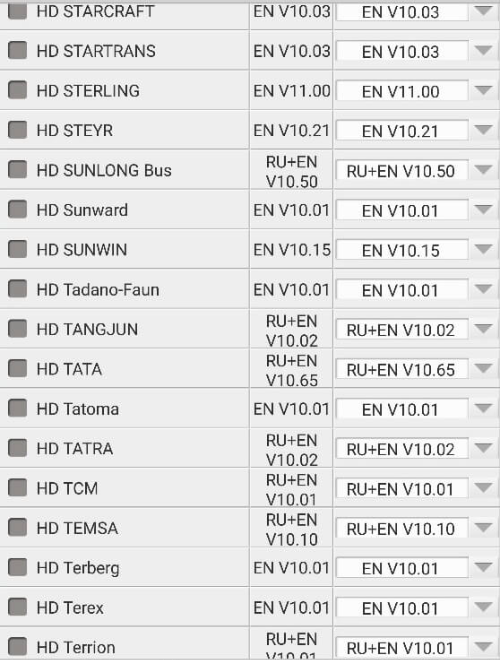
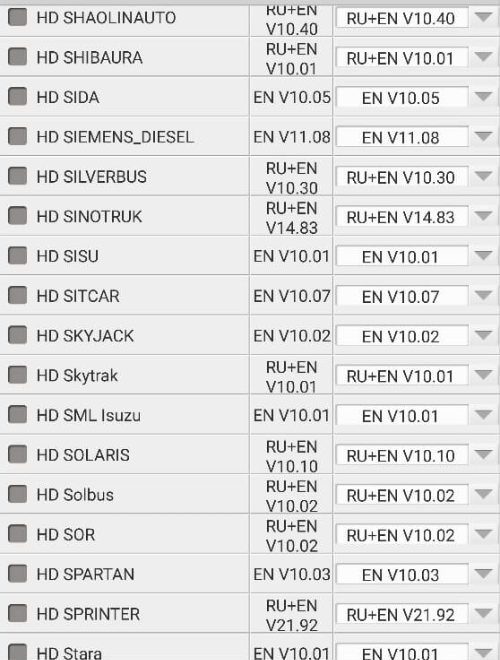
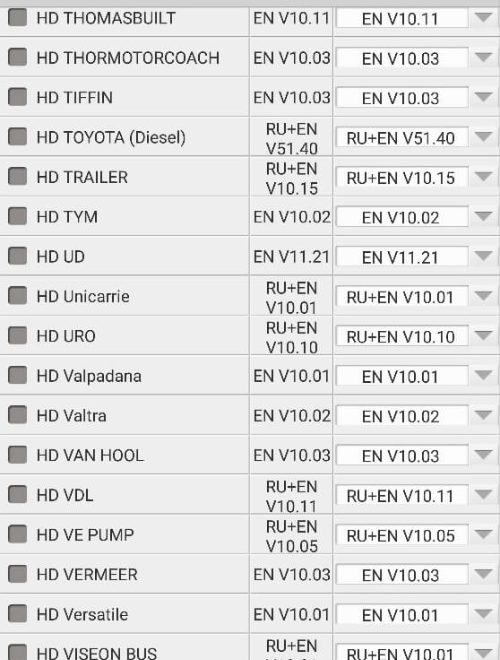
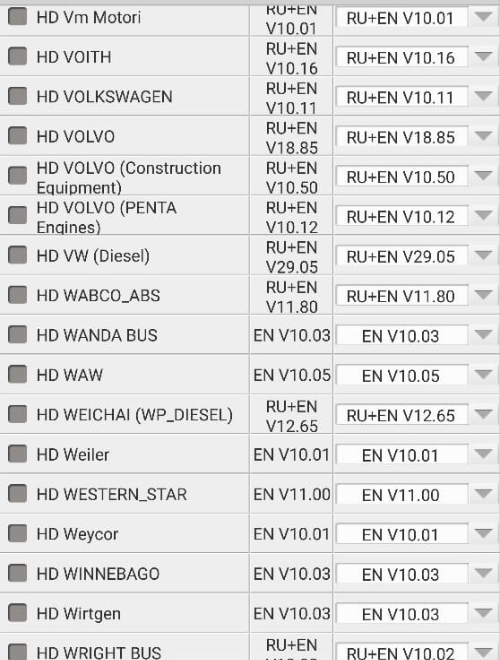
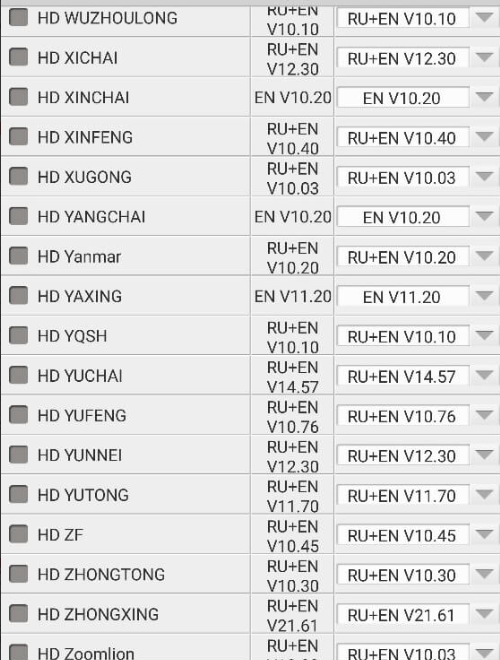
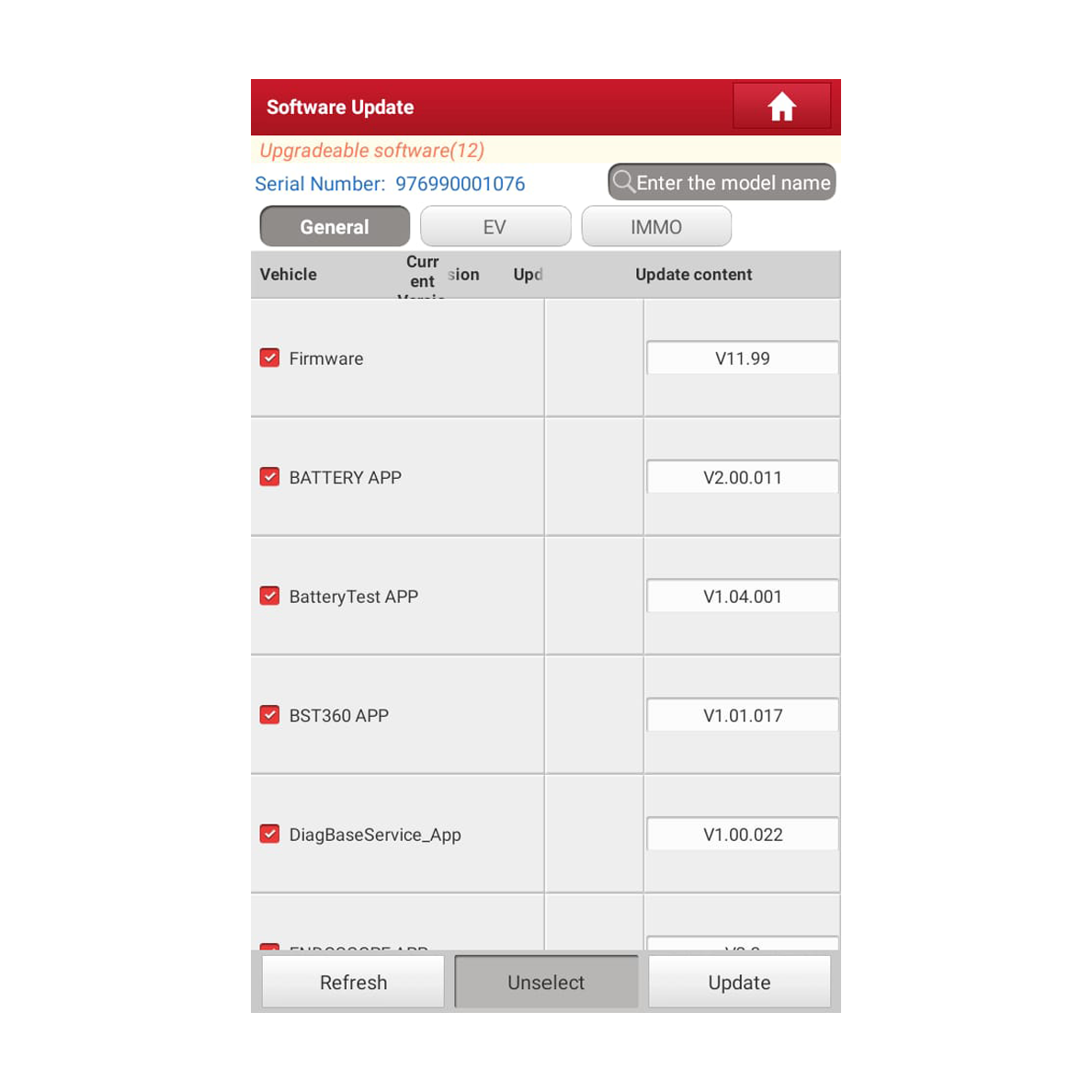
Download all available content.
Download everything that you can, click on checkboxes like shown on the image below
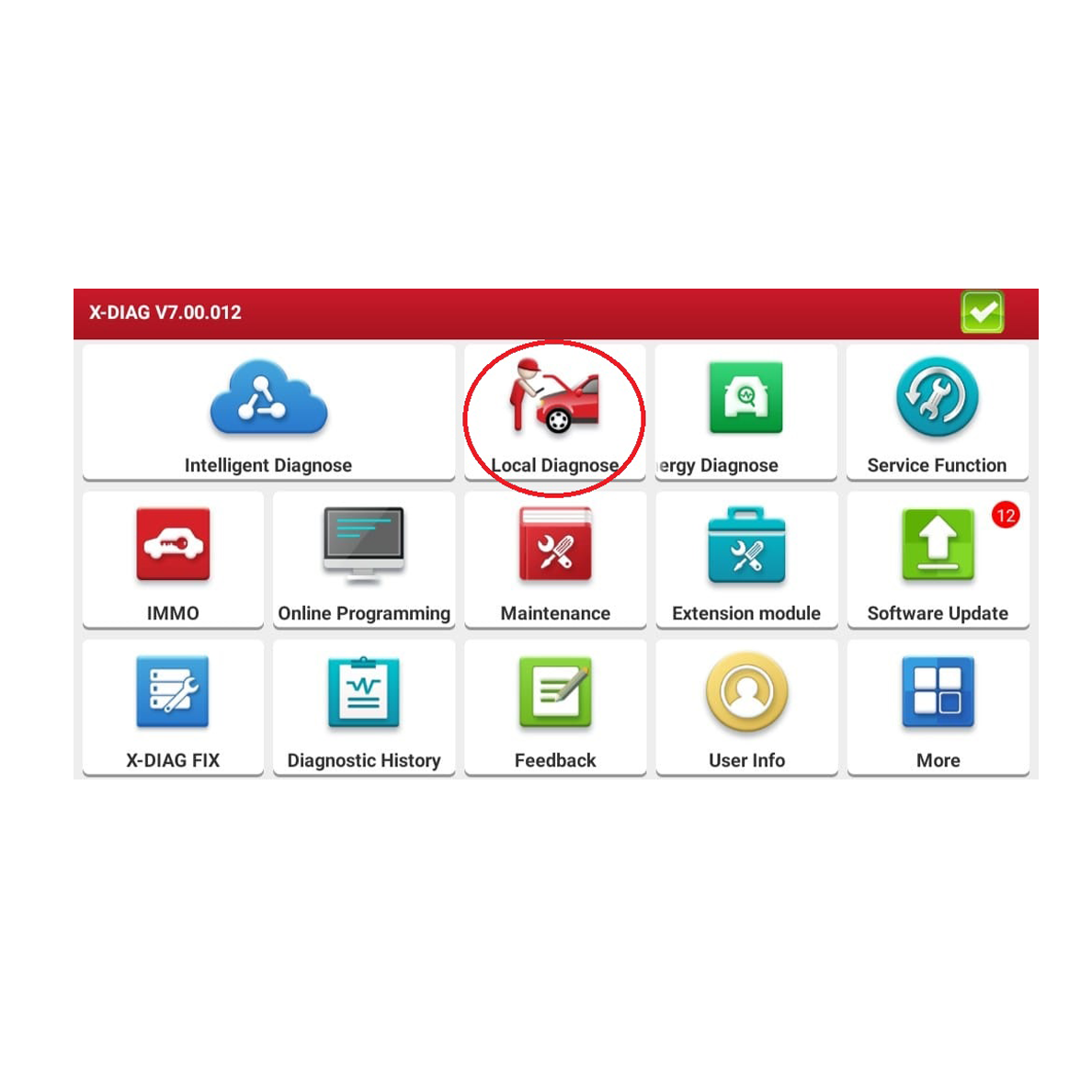
Connect the OBD2 connector to your car’s OBD2 port. Turn on the ignition, select “Local Diagnose,” and then choose “Test EOBD.”
Carefully look at the image below and follow the instructions.
If everything goes smoothly, reach out to us again. Once we process your payment, we’ll unlock your one-year Xdiag subscription.
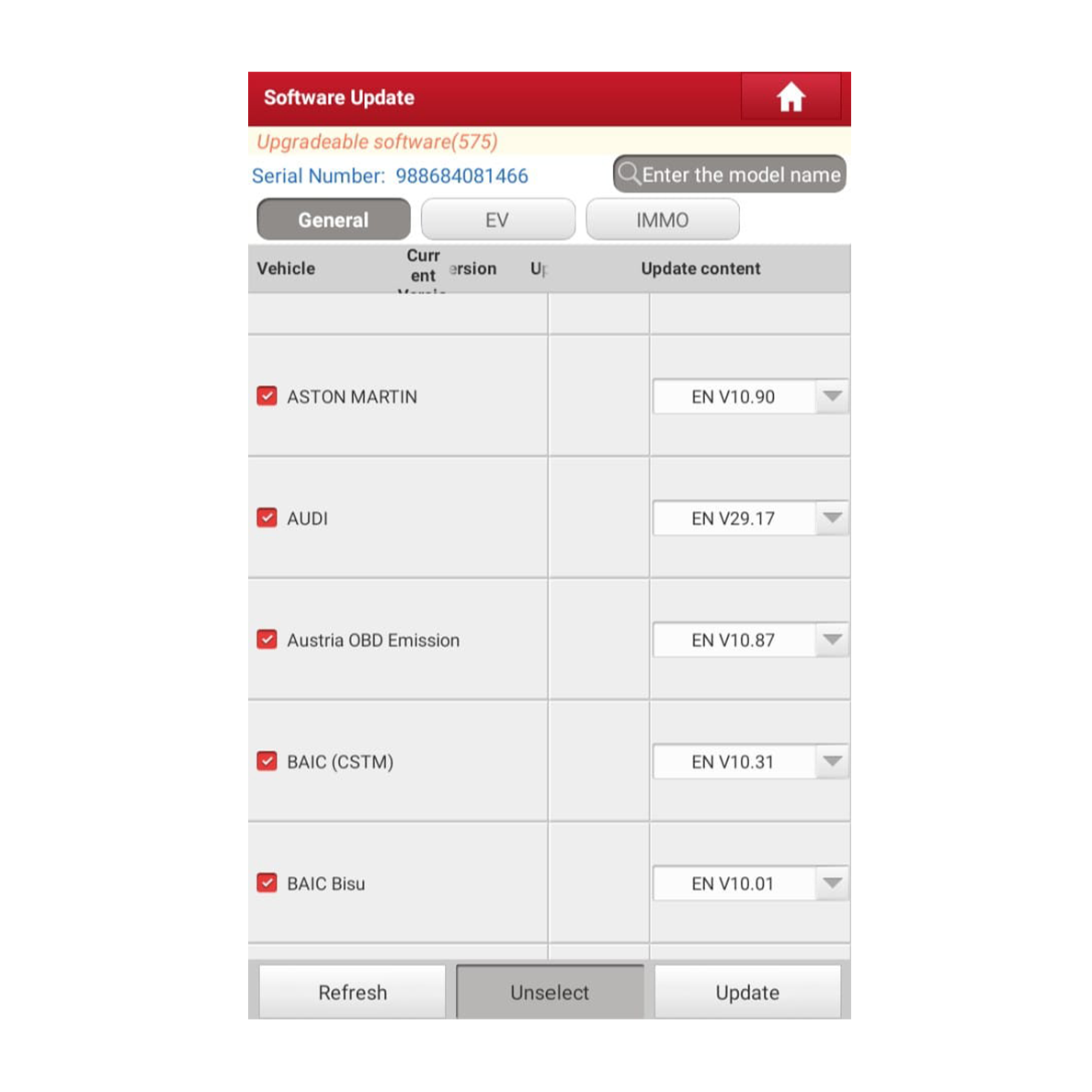
After the payment goes through, return to the app, click “update software” again, and download all available items. Once everything’s downloaded, your diagnostic tool will be good to go.
After the payment has been processed we will activate your Xdiag subscriptions
-
Haynes Pro online 1 year subscription75.00€ – 135.00€
-
-
Product on saleXDIAG: 12 month licence for CARS / TRUCKS / EV / IMMOOriginal price was: 150.00€.135.00€Current price is: 135.00€.
-
-
Product on saleXDIAG: 24 month licence Extreme / EV / IMMO135.00€ – 265.00€
Start diagnosing!
Download the APK below or checkout our shop!